The Witcher 3 Remastered GPU Performance Guide & Benchmarks
Discover how The Witcher 3 remastered performs on modern hardware. Get expert analysis on GPU settings, ray tracing, and path tracing for the best experience.
Updated: The Witcher 3 Wiki Editorial Team
Table of Contents
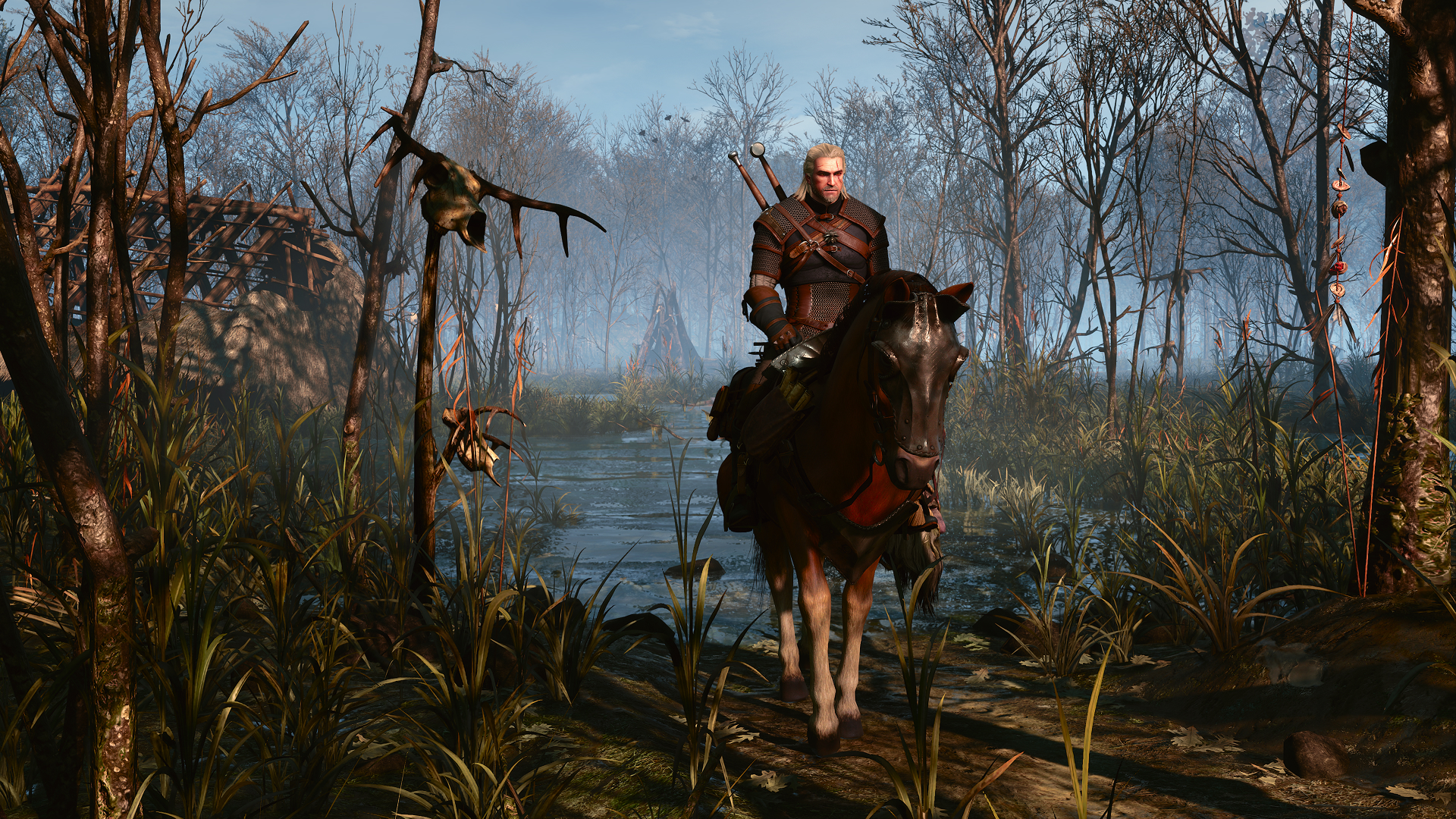
The release of The Witcher 3 in its updated, remastered form has sparked intense debate among PC enthusiasts regarding hardware requirements and visual fidelity. As players revisit the Continent, understanding how The Witcher 3 utilizes modern GPU architecture is essential for achieving a balance between stunning visuals and smooth frame rates.
This update introduces significant engine upgrades, including advanced ray tracing and path tracing, which fundamentally change the game's hardware demands. Whether you are aiming for high-fidelity 4K gameplay or seeking a stable experience on budget hardware, this guide breaks down the performance metrics you need to know.
Understanding the New Engine Demands
The transition to the updated engine brings modern rendering techniques to an 11-year-old classic. While the visual improvements are undeniable, they come at a cost. The engine is now significantly more CPU and GPU intensive, particularly in dense areas like Novigrad.
Key Visual & Performance Upgrades
Ray Tracing (RT): Enhances lighting, shadows, and global illumination.
Path Tracing: A more advanced lighting model that aims for realism but currently carries a heavy performance penalty.
Upscaling Technologies: Essential for maintaining frame rates at higher resolutions.
Photo Mode: Expanded features for capturing the beauty of the updated world.
GPU Performance Benchmarks: A Comparative Analysis
These are third-party launch benchmarks, not tests performed by this wiki. TechSpot's September 29, 2026 benchmark used a Ryzen 7 9800X3D, 32 GB DDR5-6000 and a demanding Novigrad sequence. Radeon testing used the pre-release driver 26.20.15.02; its results are not a promise for other drivers or locations.
Preset/Resolution
Reported Comparison: RTX 5070 Ti vs. RX 9070 XT
1080p Ultra
RTX 5070 Ti approximately 8% faster
1440p Ultra
RX 9070 XT approximately 16% faster
4K Ultra
RTX 5070 Ti approximately 7% faster; 61 FPS average for RTX 5070 Ti
Note: Data based on community testing and hardware benchmarks. Results may vary based on driver versions.
The Path Tracing Challenge
Community reports suggest that path tracing often results in overexposed characters or unwanted blue tints in certain scenes. Many players find that standard ray tracing offers a more visually pleasing and stable result. If you are experiencing stuttering, try disabling path tracing first, as it is the most demanding setting currently available in the game options.
Optimization Strategies for PC Players
To get the most out of The Witcher 3, you need to adjust your settings based on your specific hardware. The game behaves differently depending on whether you are in an open forest or a crowded city like Novigrad.
Recommended Settings for Stability
Disable Hairworks: If you are struggling with frame rates, this setting is a major performance hog.
Use DLSS/FSR Quality: At 1440p or 4K, using a quality upscaling preset is highly recommended to maintain a smooth experience.
Cap Your Frame Rate: If you experience "jittery" gameplay, locking your frame rate to 60 FPS can often provide a more consistent experience than letting the engine fluctuate wildly.
Tip
Driver Awareness
Check the current driver recommended for your GPU. TechSpot's launch test found rendering glitches with public Adrenalin 26.9.1 and instead tested a pre-release Radeon driver. That historical result does not establish the status of later drivers. Visit CD PROJEKT RED Support for game support.
Scaling Oddities and Driver Bottlenecks
One of the most discussed topics in the community is the "artificial ceiling" observed in performance testing. In several scenarios, high-end GPUs appear to hit a performance wall regardless of how much raw power is available.
Observed Performance Anomalies
Novigrad Bottlenecks: The city is exceptionally demanding on both CPU and GPU; expect lower FPS here compared to the open wilderness.
Radeon Driver Issues: Some players have reported inconsistent frame times; ensure you are using the latest driver version specifically optimized for this release.
VRAM Limitations: At 4K, cards with 8GB of VRAM or less may struggle significantly. If you see texture pop-in or stuttering, lowering the texture quality or resolution is the most effective fix.
Setting
Impact on FPS
Recommended Action
Path Tracing
High
Disable for stable 60+ FPS
Ray Tracing (RT)
Medium
Use with upscaling
Texture Quality
High (VRAM)
Adjust to match VRAM capacity
Frame Generation
Low
Enable for higher refresh rate monitors
Community Insights and Troubleshooting
According to various player reports and community forums, the experience varies wildly depending on individual system configurations. A common theme among users is that the "next-gen" feel is largely subjective; some players prefer the original aesthetic for its darker, more grounded lighting, while others embrace the new, brighter look.
Common Issues and Fixes
Stuttering: Often caused by shader compilation or CPU bottlenecks in cities. Let the game run for a few minutes to settle.
Blurriness: If the game looks soft, check your upscaling settings. Using "Ultra Performance" at lower resolutions often causes image degradation.
Input Lag: If you use Frame Generation, be aware that it can introduce slight input latency. For competitive play, it may be better to turn it off.
Frequently Asked Questions (FAQ)
Is The Witcher 3 remastered worth the performance cost?
It depends on your hardware. If you have a high-end GPU, the visual upgrades are impressive, but you may need to tweak settings to keep The Witcher 3 running smoothly at 60 FPS.
Why does path tracing look worse than ray tracing?
Many players agree that the current implementation of path tracing can look "flat" or "blown out." Standard ray tracing often provides better shadow definition and contact lighting in this specific engine.
Can budget GPUs run the game well?
Yes, by using the Medium preset and disabling advanced lighting features, even mid-range cards can achieve a very stable and visually appealing experience at 1080p or 1440p.
How do I fix the stuttering in Novigrad?
Stuttering in Novigrad is a known issue related to CPU overhead. Lowering crowd density settings and ensuring your RAM is running at its rated XMP/EXPO speed can help alleviate these spikes.